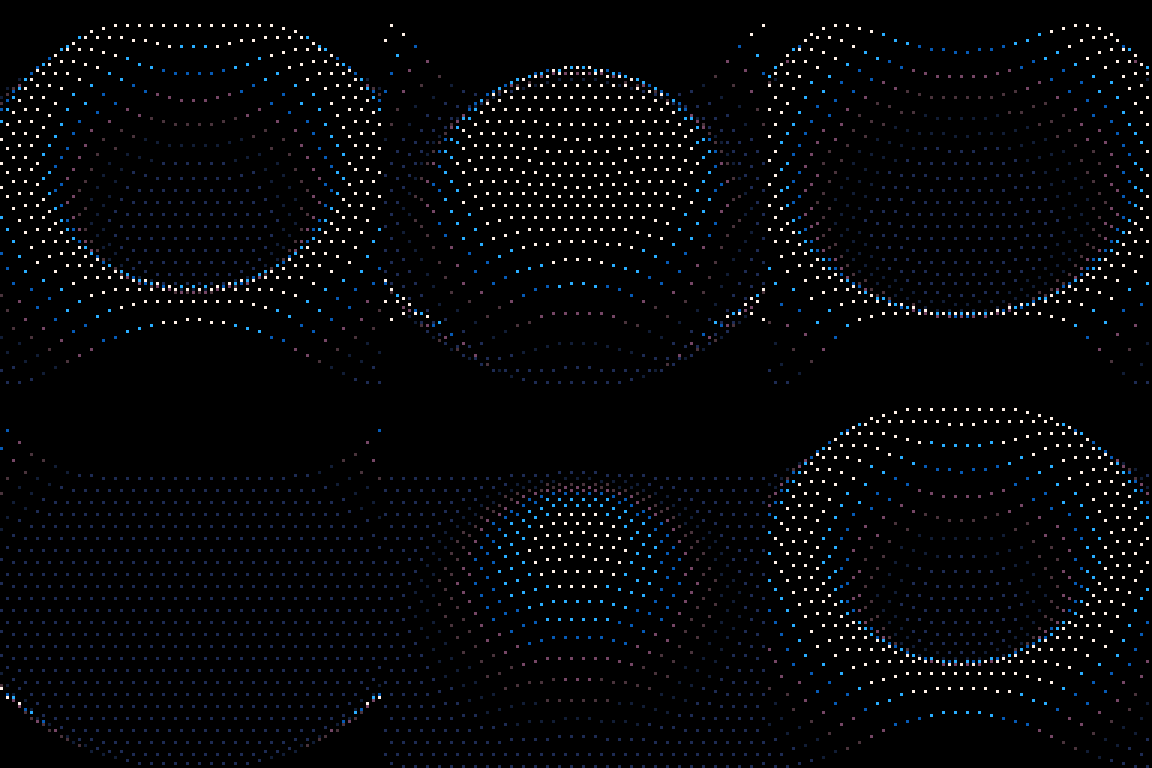
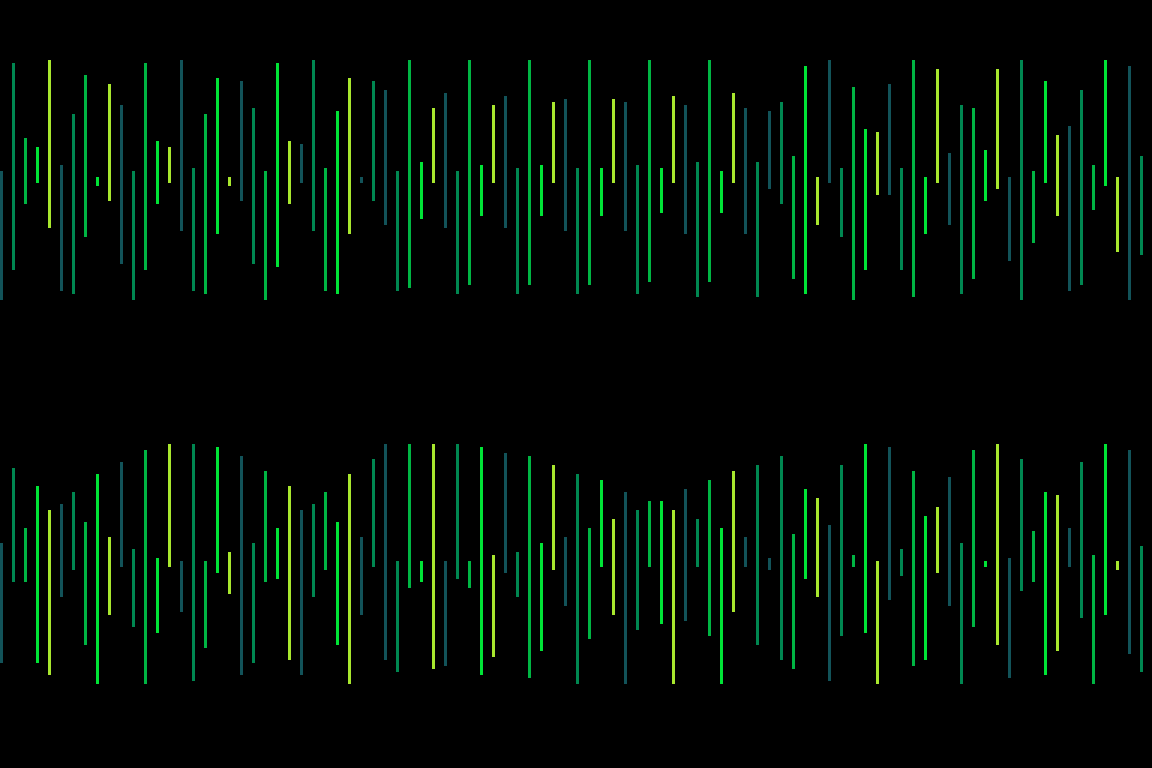
_set_fps(60)pal({7,12,-4,-3,-11,-15,1},1) camera(-64,-64)::🅾️:: cls() i=0for y=-44,54,4 do i+=2 for x=-64+(i%4),64,4 do a=x/80 b=y/64 dist=-(a*a+b*b)/2 z=cos(-sin(t()*.15+dist/3))*10 pset(x,y+z*1.2,((z+10)/18)*6+1) endendflip()goto 🅾️
Commented code
--[[The idea of this tweetcart was to get the "water ripple" effect with a grid of points.Each point is applied a sinusoidal effect, depending on its distance from the center, and the elapsed time.The points go up then down following that sinusoidal, and a color gradient is applied to get a nice pseudo-3d effect.]]-- Smooth framerate!_set_fps(60)-- Blue gradient palette.-- This command overwrites the default palette, but leaves black as index 0.pal({7,12,-4,-3,-11,-15,1},1)-- Set camera position to -64,-64-- so the origin 0,0 is at the center of the screencamera(-64,-64)-- Start of loop-- This is a goto ::\<label>::, where \<label> in this case is just an underscore::_::-- Clear screencls()i=0for y=-44,54,4 do -- The i counter, with "+(i%4)" here, -- is used to place points in an alternating pattern. -- Definitely not necessary, but looks better. i+=2 for x=-64+(i%4),64,4 do -- a and b are the vertical and horizontal distance between the point and origin, -- normalized to the range 0-1. -- a is divided by 80 (instead of 64) to give a more rounded shape a=x/80 b=y/64 -- Pythagoras, c²=a²+b² -- We don't sqrt() here, because we don't need the exact distance - saves chars and processing time! dist=a*a+b*b -- z is the vertical offset that we apply to each point. -- The basic idea is to (at least) call sin() with the elapsed time t() and the distance. -- This way, all points at the same distance from the center will get the same offset, -- forming concentric circles. -- From there, we play with the values to get the desired effect. z = cos(-sin(t()*.15 - dist/6)) * 10 -- Draw the point pset( -- The horizontal position of a point never changes. x, -- The z*1.2 is to smooth some light ripples between the big waves. y + z*1.2, -- The color is also calculated from this offset. -- Since z varies (roughly) between -9 and 9, (z+10)/18 normalizes it to 0-1. -- This value is then *6+1 to get a color index between 1 and 7, corresponding to the palette. ((z+10)/18)*6+1 ) endend-- Draw the screenflip()-- Back at the start of the loopgoto _
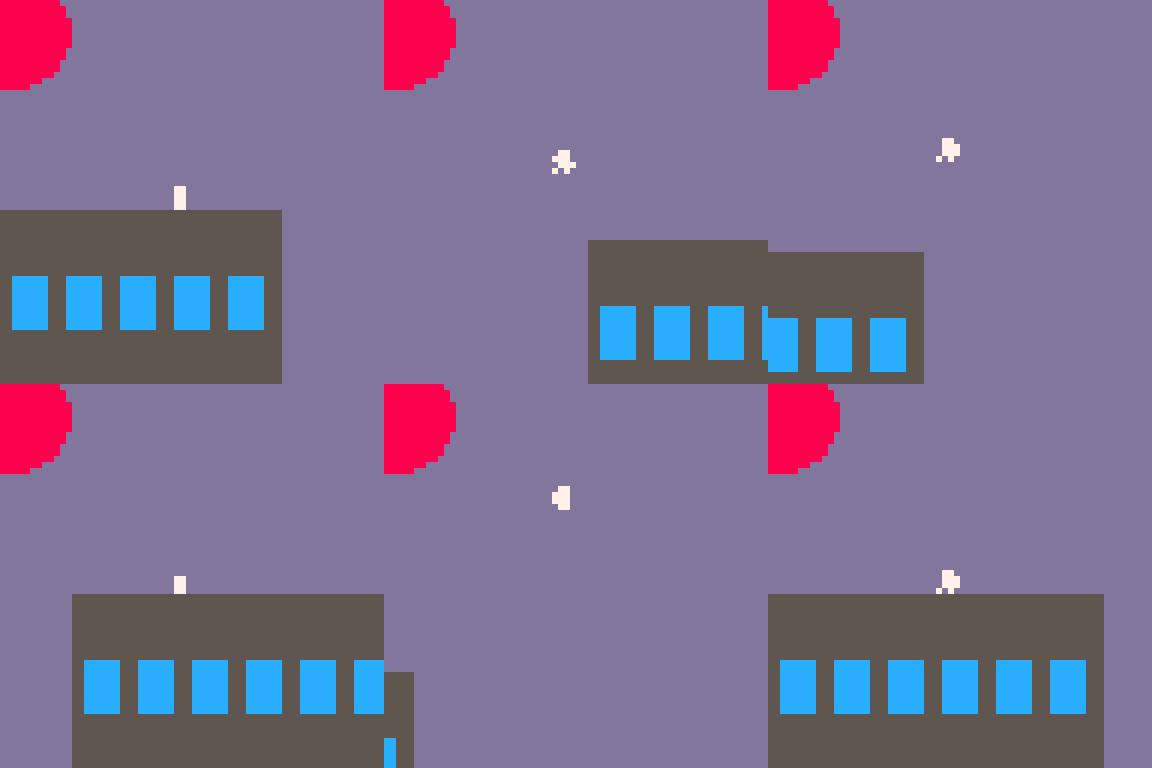
r=rectfill::_::x=t()?"⁶1⁶cd⁶!5f2c³"y=min(-cos(x)*10,4)u=-x%1<<7?"ᶜ7⁶.\0\0\0\0"..(split"\0⁶⁶⁶,⁶⁶⁶⁶,⁶ᵉᵉ⁵,⁶ᵉᶠ⁸,⁶⁷⁷⁶,⁶⁷ᵉ⁵,⁶⁷ᶠ⁸")[x*16%7\1+1],28,y+23r(u-64,39-y,u,64,5)circfill(2,5,9,8)for i=3,57,9 do r(u-5-i,50-y,u-i,58-y,12) endgoto _
Commented code
r=rectfill::_::-- t() returns the elapsed time in secondsx = t()-- Chained and minified p8scii commands:-- ⁶1 : ?"\^1 : skip 1 frame. The "skip frame" command is used to avoid flickering.-- See https://pico-8.fandom.com/wiki/P8SCII_Control_Codes#Skipping_frames_(pausing)-- ⁶cd : ?"\^cd" : cls(0xd)-- ⁶!5f2c : ?"\^!5f2c\3" : poke(0x5f2c,3), which is the screen hack for a 64x64 resolution?"⁶1⁶cd⁶!5f2c³"-- The y value is used to draw the buildings and the running character.-- Both move in a sin wave, in opposite directions, and meet at the middle.-- To avoid the character jumping too high, we draw it at y+23 (see below), and we clamp the y value here.-- This is mostly trial and error.y = min(-cos(x)*10, 4)-- <<7 is equivalent to *128,-- so (-x % 1) * 128 is the fractional part of x (elapsed time), scaled to 0-128u = (-x % 1)<<7-- The character, encoded as a serialized array of 4x4 pixels.-- ᶜ7⁶ : ?"\f7" : sets the foreground color to 7 (white)-- ⁶. : ?"\^." : the command to draw one-off characters in a binary format.-- Each character is converted to a line of 8 "on" pixels-- and then printed at 28, y+23?"ᶜ7⁶.\0\0\0\0"..(split"\0⁶⁶⁶,⁶⁶⁶⁶,⁶ᵉᵉ⁵,⁶ᵉᶠ⁸,⁶⁷⁷⁶,⁶⁷ᵉ⁵,⁶⁷ᶠ⁸")[x*16%7\1+1],28,y+23-- The grey buildingr(u-64,39-y,u,64,5)-- The suncircfill(2,5,9,8)-- The blue windowsfor i=3,57,9 do r(u-5-i, 50-y, u-i, 58-y, 12)endgoto _
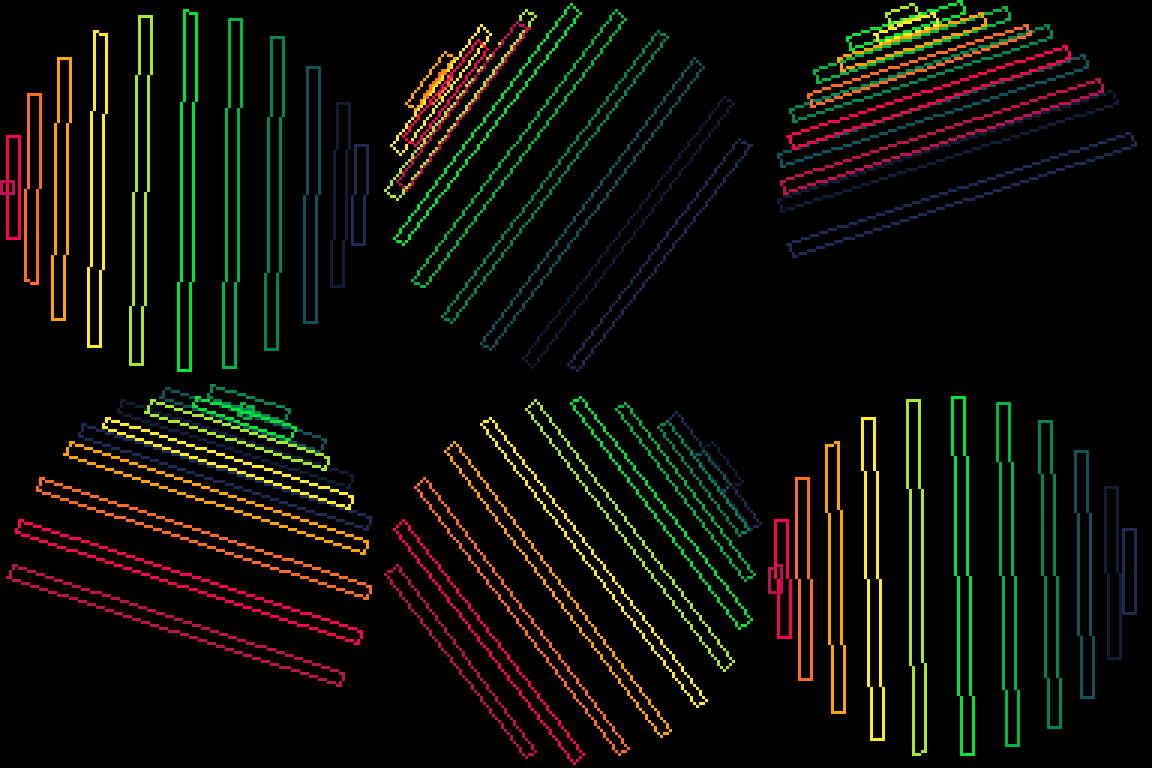
function sunrect() -- rainbow palette pal({1,-15,-13,3,-5,11,-6,10,9,-7,8,-8},1) -- origin x,y and radius ox,oy,r=64,64,60 ::_:: cls() -- 12 points for the 12 colors for i=1,12 do -- the 12 points are equally spread on the circle's top half -- 0.5 / 12 = ~0.041 a=i*.041 -- anchor point (rect's top left) for the current color x=ox+cos(a)*r y=oy+sin(a)*r -- "mirror" point (rect's bottom left), that will run around the circle in about 5 seconds lx=ox+cos(a+t()/5)*r ly=oy+sin(a+.5+t()/5)*r -- line vector dx=x-lx dy=y-ly -- calculate rect's bottom right len=4/sqrt(dx^2+dy^2) -- the rect has a width of 4px dx*=len dy*=len -- top left > bottom left line(x,y,lx,ly,i) -- > bottom right line(lx+dy,ly-dx) -- > top right line(x+dy,y-dx) -- > top left, to close the rect line(x,y) end flip() goto _end
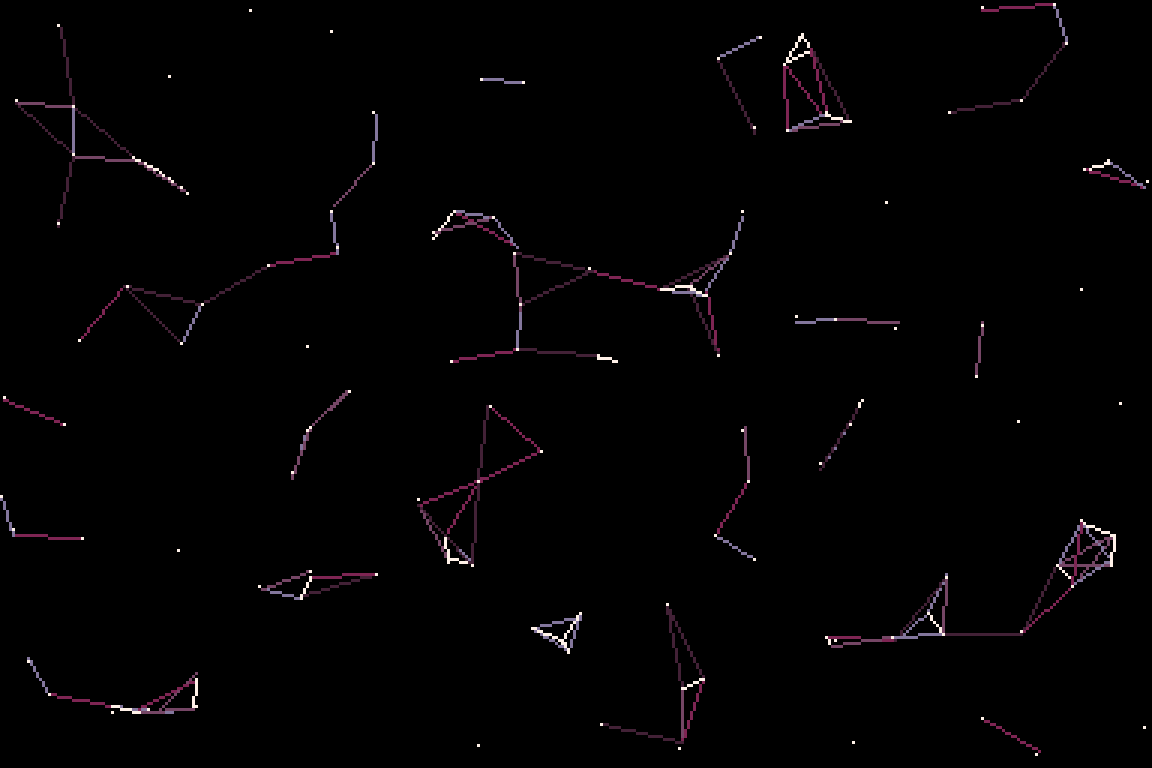
pal({-13,3,-5,11,-6},1)::_:: cls() for i=0,128,4 do a=sin(i*t()/2/128+t()*.25)*20 b=cos(i*t()/4/128+t()*.3)*20 line( i, 40+a, i, 80+b, i/4%5+1) end flip()goto _
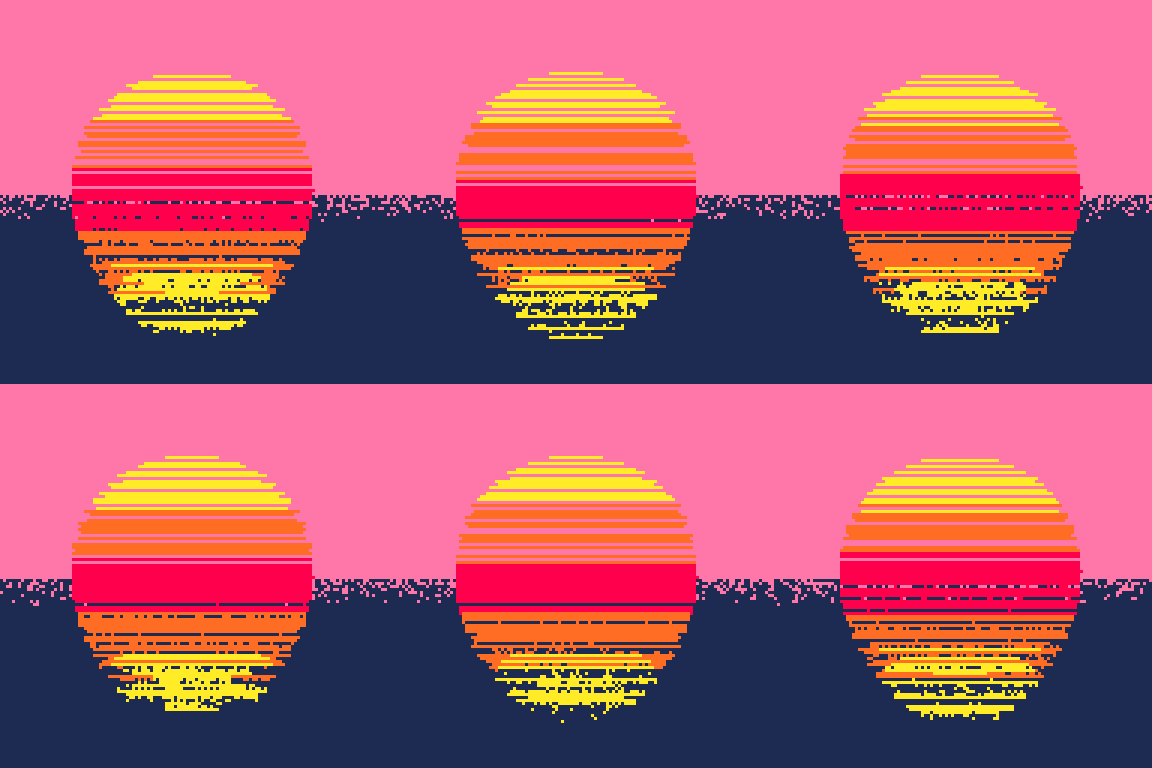
function setting_sun() -- set the palette with all the necessary color, -- in the right order pal({10,-7,8,-7,10,14,1},1) -- circle radius radius=40 -- start loop ::_:: -- dithering background fill, with color relative to y for i=0,3000 do y=rnd(128) pset(rnd(128), y+rnd(20)-10, y/64+6) end -- the pink background behind the sun -- to "erase" the dithering that's not in water rectfill(0,0,128,64,14) -- loop to draw the lines from top to bottom for y=1,79 do -- normalized ratio between radius and y r = (radius-y)/radius -- get angle from r, this is basically asin(r) -- except that pico8 doesn't have asin() a = atan2(r,-sqrt(1-r*r)) --- line starting point x = sin(a)*radius -- color, relative to height c = y/70*4 + 1 -- y offset value thay will make the sun wobble. -- this is basically a lot of trial and error to have the desired effect -- and could certainly be simplified y_offset = y/6 * (sin(x*x/160+t()/4)) * (50-y)/40 -- draw the line with the new y coordinate ny = y + 24 + y_offset line(64+x,ny,64-x,ny,c) end flip() goto _end